Download
Install Jitsuri from your account
The available version and download button are shown in your account when a license is active.
You need an active license and must be signed in to download the client.
Windows
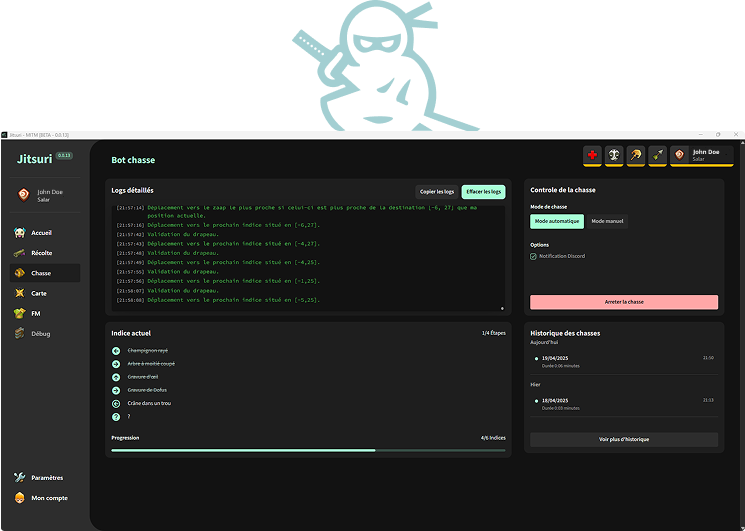
Getting started
How does it work?
- 01
Activate the license that matches your needs.
- 02
Open your account and link your machine.
- 03
Download the client and follow the installation guide.
Sign in
You need an active license and must be signed in to download the client.
Important usage information
Jitsuri is independent third-party software. Ankama prohibits in-game action automation and states that all affected accounts will be permanently banned.
Read Ankama's official position on bots